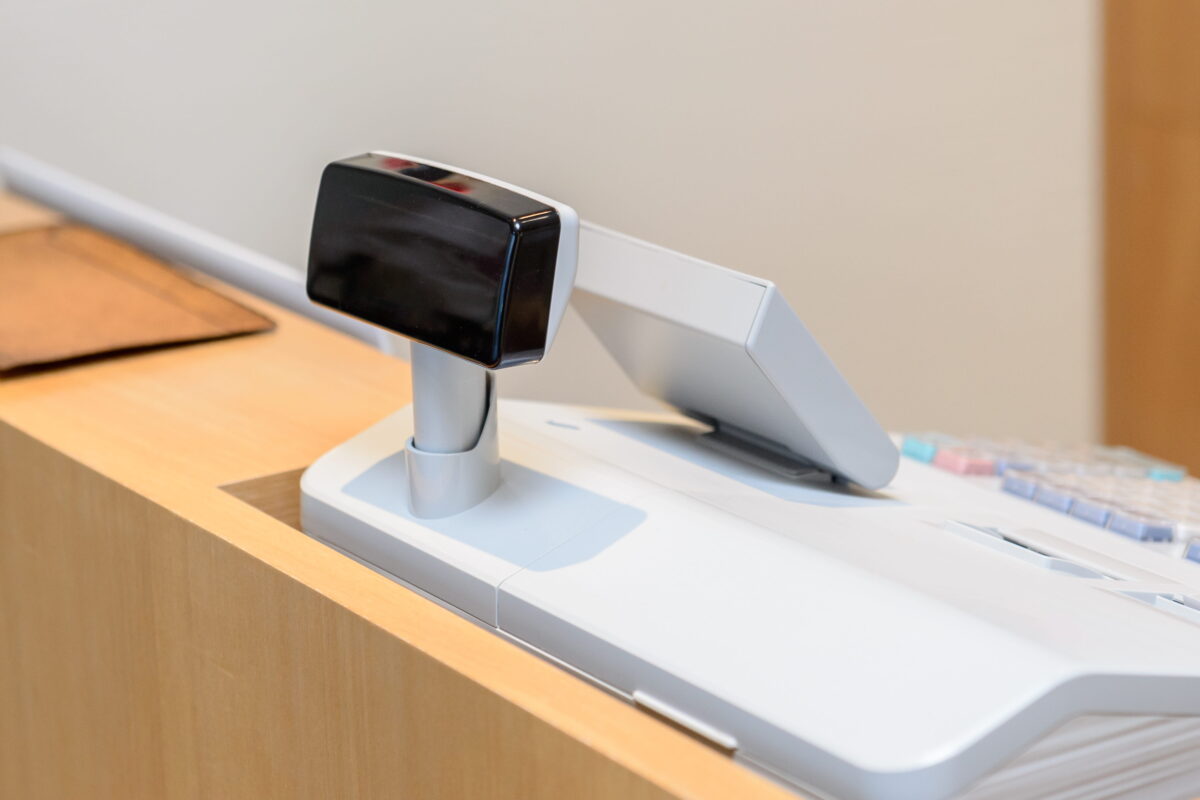
Hospital food service software covers two different purchases, and this guide is about the one that runs the cafeteria, the cafe, and the gift shop. The right system for that job handles shift-change rushes, accepts badge or payroll deduction payments, reports on every outlet from one place, and comes with a support team that answers at any hour.
A hospital cafeteria serves night-shift nurses at 2 a.m., visitors at lunch, and a full staff rush at every shift change. It runs on the same point of sale as the coffee cart and the gift shop, and when that system slows down, the people waiting are the ones a hospital can least afford to keep waiting.
The sections below cover which system you are shopping for, what a hospital cafeteria needs from a POS, how to judge uptime and support, where payments and hospital IT fit, and the questions worth asking before you sign with a partner.
Which Kind of Hospital Food Service Software Do You Need?
Patient meal management software handles diet orders, tray tickets, and nutrition data for inpatients, and it connects to clinical systems. That is a separate purchase with its own vendors and it falls outside this guide. The rest of this guide is for the retail side, where staff, visitors, and families pay for food and where speed and uptime decide how the day goes.
| Patient meal management | Retail dining POS | |
|---|---|---|
| Who uses it | Clinical nutrition and diet office staff | Cashiers, cafe staff, and the gift shop team |
| What it handles | Diet orders, tray tickets, nutrition data | Orders, payments, menus, and sales reports |
| What it connects to | Clinical and health record systems | Payment networks, badge or payroll systems, kitchen displays |
| Who supports it | Software vendor and hospital IT | POS partner and hospital IT |
What Does a Hospital Cafeteria Need From a POS System?
Speed at shift change
Volume arrives in waves. The line at 6:45 a.m. and again at 7:15 p.m. looks nothing like the line at 10 a.m., so look for fast order entry, saved favorites for the top sellers, and the option to add a lane or a handheld device when a wave hits.
Payments staff already carry
Many hospitals let employees charge meals to a badge or deduct them from pay. Ask any partner whether the system supports that, which method it uses, and who builds and maintains the connection if your payroll or ID system is involved. Some arrangements need custom work, and that should be stated up front.
Contactless cards and mobile wallets matter as well, because visitors expect to tap and go.
One system across outlets
A cafeteria, a cafe, and a few grab-and-go coolers can share one menu structure and one set of reports. That makes it possible to see sales by outlet, change a price once, and apply the right tax treatment to each location. Kitchen display screens keep hot line orders moving without paper tickets.
A hospital gift shop POS has needs of its own, such as retail tax treatment and inventory by item, and it works best when it reports alongside the cafeteria. Senior living communities have a similar shape, with several dining rooms and a cafe or store, so the same checklist applies when you compare senior living dining software and a senior living POS system.
Uptime and Support: The Part Hospitals Feel First
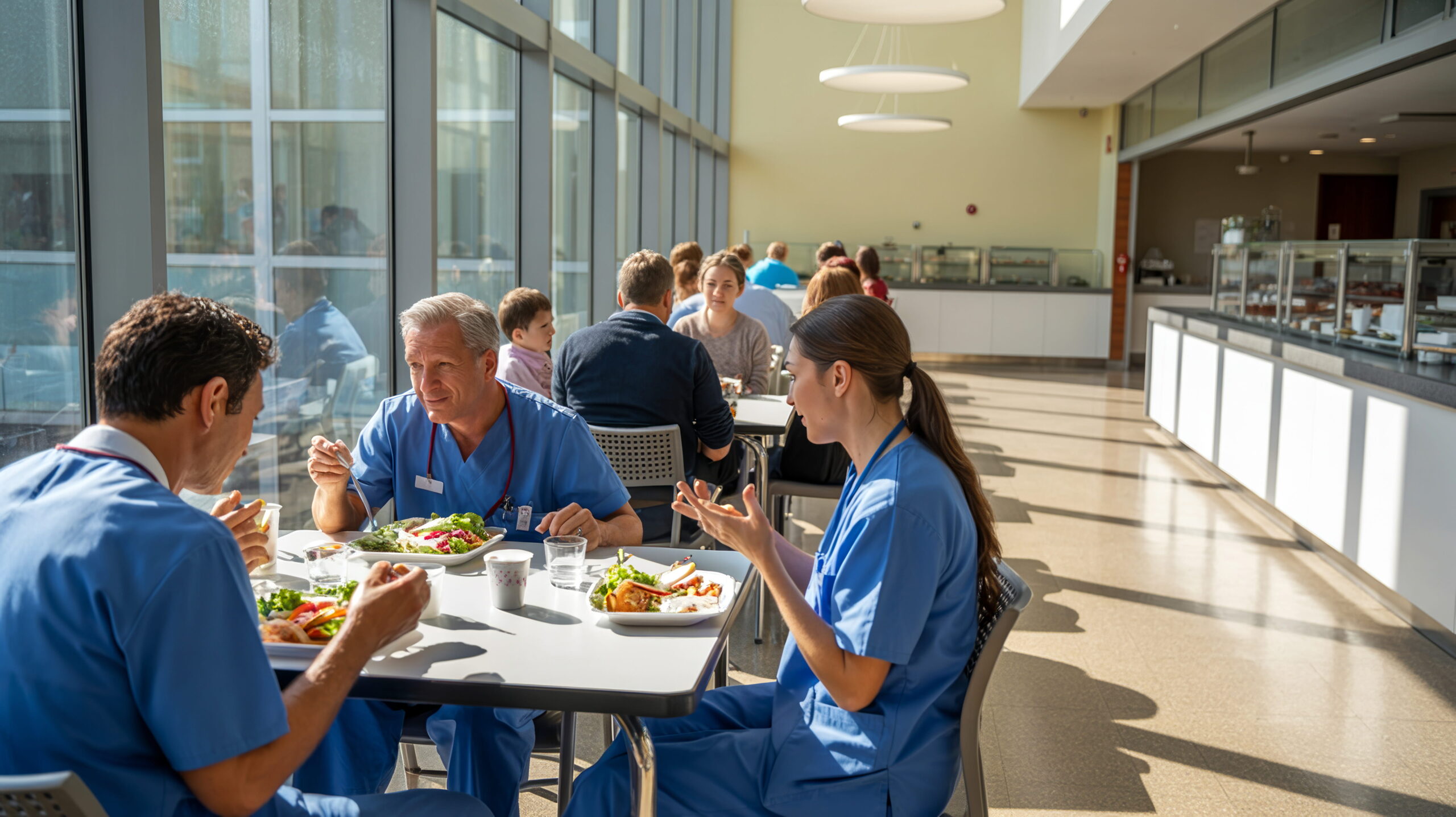
Hospitals do not close, and a cafeteria that cannot take payments at 3 a.m. affects staff morale and the experience of families who have been at the bedside all night. Three things separate a dependable system from a risky one:
- Overnight and holiday coverage. Ask what the support plan covers between midnight and 6 a.m. and on holidays, and whether a live person picks up.
- Offline behavior. A system that keeps taking orders through a network drop protects the line while IT finds the cause. Ask exactly what keeps working offline, since card payments taken offline are typically stored and sent once the connection returns.
- Update timing and hardware replacement. Software and security updates belong outside the busiest windows with a named person responsible, and a failed terminal on a Tuesday lunch needs a clear replacement path.
Payments, Security, and Working With Hospital IT
Card readers should meet current EMV and contactless standards, and the partner should give you a clear answer on who carries which PCI responsibilities. Keep the security conversation practical and in writing, because hospital IT will ask for it.
Hospital IT teams will also want the POS network kept apart from clinical systems. A partner who has worked through hospital security reviews can save weeks of back and forth.
Roll out one outlet at a time, train every shift including nights and weekends, and keep the old system available until the new one has run a full week.
Questions to Put to a Healthcare Dining Partner
- Who answers the phone at 2 a.m., and are they employees of the company or a subcontracted call center?
- How does the system handle badge, payroll deduction, or meal account payments for our staff?
- What happens to orders and payments when the network drops?
- Can we manage the cafeteria, cafe, and gift shop from one set of menus and reports?
- What does your rollout look like for a facility that cannot close during the switch?
How DCRS Approaches Healthcare Dining
DCRS has supported restaurant and hospitality technology since 1976, with 24/7 live local support from DCRS employees and no subcontractors. For larger facilities with several outlets, Oracle MICROS Simphony is one strong option, and DCRS is a Certified Oracle Partner with Oracle-certified technicians who install and support it directly.
Smaller operations may do better with a lighter system, and part of the first conversation is deciding which one fits. Implementation is local and white-glove, with installation, a phased rollout, and training across every shift.
A Cafeteria Never Gets a Maintenance Window
The best system for a hospital dining operation keeps the line moving at every hour and has a support team that picks up when it does not. A slow or down cafeteria lands on the same staff the hospital is working to keep, and on visitors forming their first impression of the building.
Hospital Food Service Software FAQs
What is the difference between hospital food service software and a hospital cafeteria POS?
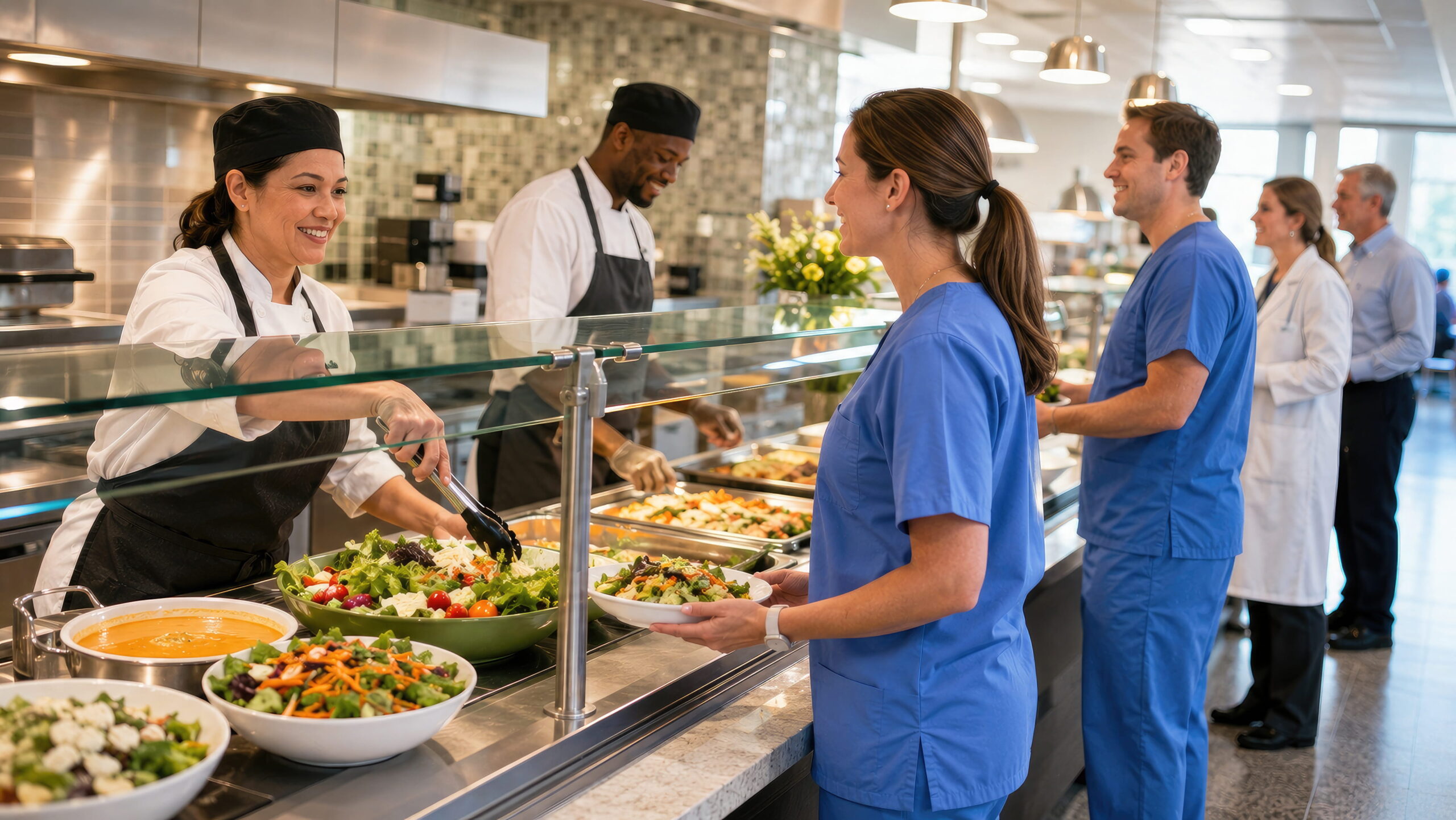
Hospital food service software often refers to patient meal and tray management tied to clinical systems. A hospital cafeteria POS runs the retail side, which includes the cafeteria line, the cafe, grab-and-go, and the gift shop.
Can a hospital cafeteria POS handle payroll deduction?
It depends on the platform and on the hospital’s payroll or badge system. Some setups are standard and others need custom work, so ask for the specific method and who supports it before you commit.
How do you switch POS systems without closing the cafeteria?
A phased rollout works best. Move one outlet at a time, train every shift, and keep the old system available until the new one has run a full week.
Does the same system work for a hospital gift shop?
Yes, a single system can run the gift shop alongside the cafeteria and cafe, with separate menus, inventory, and tax settings for each outlet and one combined view of sales.
Talk with DCRS about a point of sale built for healthcare dining. Bring your busiest shift and your current setup, and we will walk through what a short needs conversation can sort out.
Sign Up for our Newsletter