

A nail salon POS system should keep booking and checkout in one place, add services to a ticket without ringing it twice, track tips for each technician, and sell polish at the same counter. A setup that misses any of those jobs costs the front desk minutes on every ticket and costs the owner hours every week.
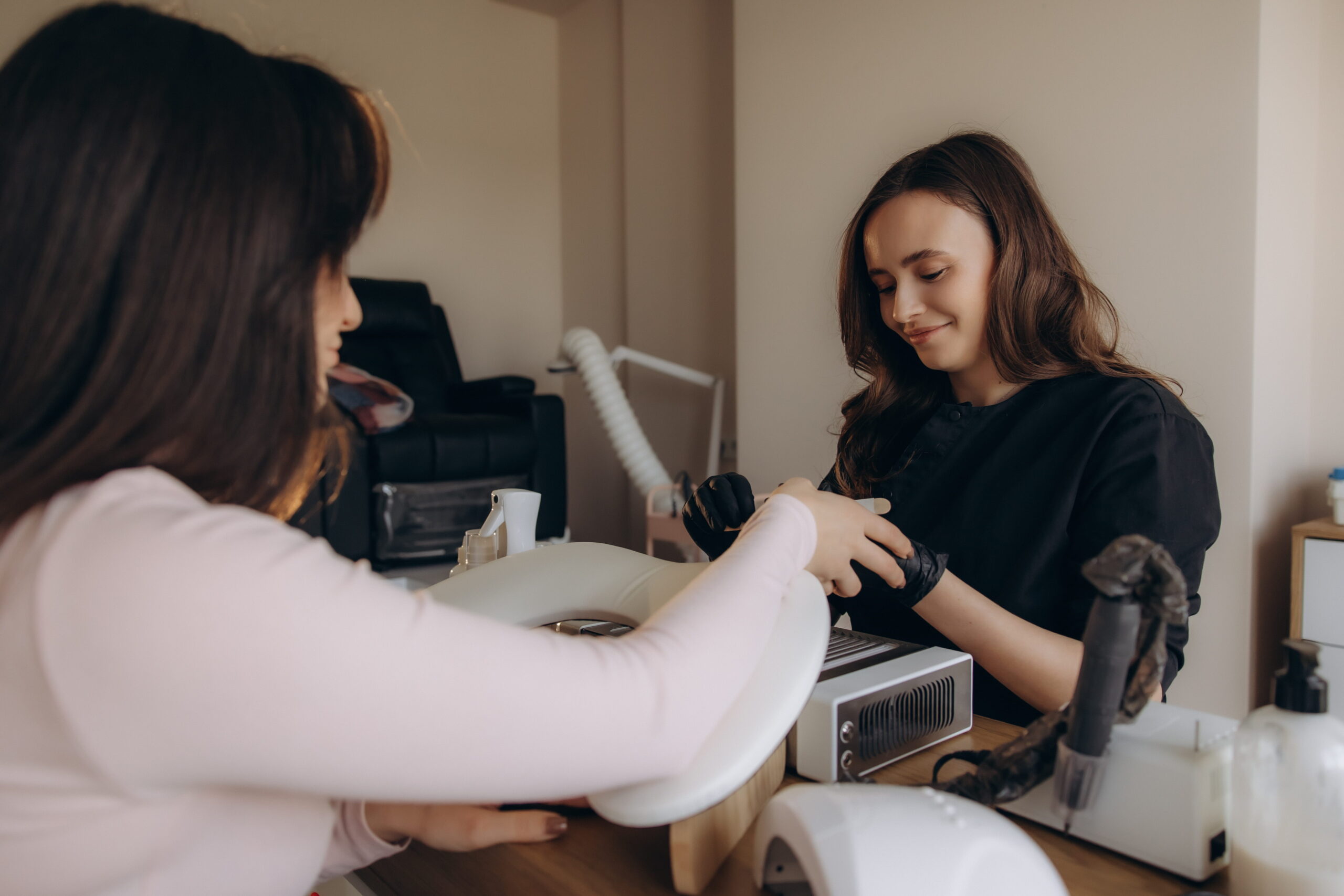
Picture a client who finishes a gel manicure, adds nail art and a paraffin treatment halfway through, buys a bottle of cuticle oil, and tips the tech. Her friend walked in without an appointment and is waiting for the same technician. A nail salon checkout handles all of that in a few minutes, and then it does it again for the next client in line.
This guide is specific to nail salons. For the wider view across every kind of salon, see our salon POS system guide.
What Makes a Nail Salon Checkout Different?
Add-ons happen mid-service. Nail art, gel removal, and extra treatments get added after the appointment starts, so the final ticket rarely matches the booking.
Tips go to individual technicians, which means tip handling and reporting by tech affects pay, trust, and the daily cash-out. Walk-ins mix with appointments, so a front desk managing both needs to see who is free and who is next.
Retail belongs at the register too. Polish, cuticle oil, and gift sets sell best when they can be added to the ticket in one tap.
Which Features Should a Nail Salon POS Have?
Nail salon software comes in many shapes, so a short checklist helps when you compare options. This table covers the five features most nail bars end up needing.
| Feature | What to look for | Why it matters at a nail bar |
|---|---|---|
| Appointments tied to checkout | A booked service flows straight to the register | Staff do not re-enter what was already scheduled |
| Service and add-on menu | A clear menu where add-ons tap onto the ticket | The final ticket matches the work that was done |
| Tip tracking by technician | Tips assigned to the right tech with a daily report | Payout matches what each technician earned |
| Staff roles and permissions | Front desk, technician, and owner each see what they need | Owners see totals while techs see their own numbers |
| Retail inventory | Stock counts for polish and supplies | Popular colors stay on the shelf |
Square gives a useful reference point. Its Square Appointments tools list drag-and-drop calendars with staff and station assignment, a waitlist, automated reminders, and cancellation policies with no-show fees. Plan tiers decide which features you get, so confirm current plans and pricing before you buy.
How Do Card Processing, Tips, and Fees Work at a Nail Salon?
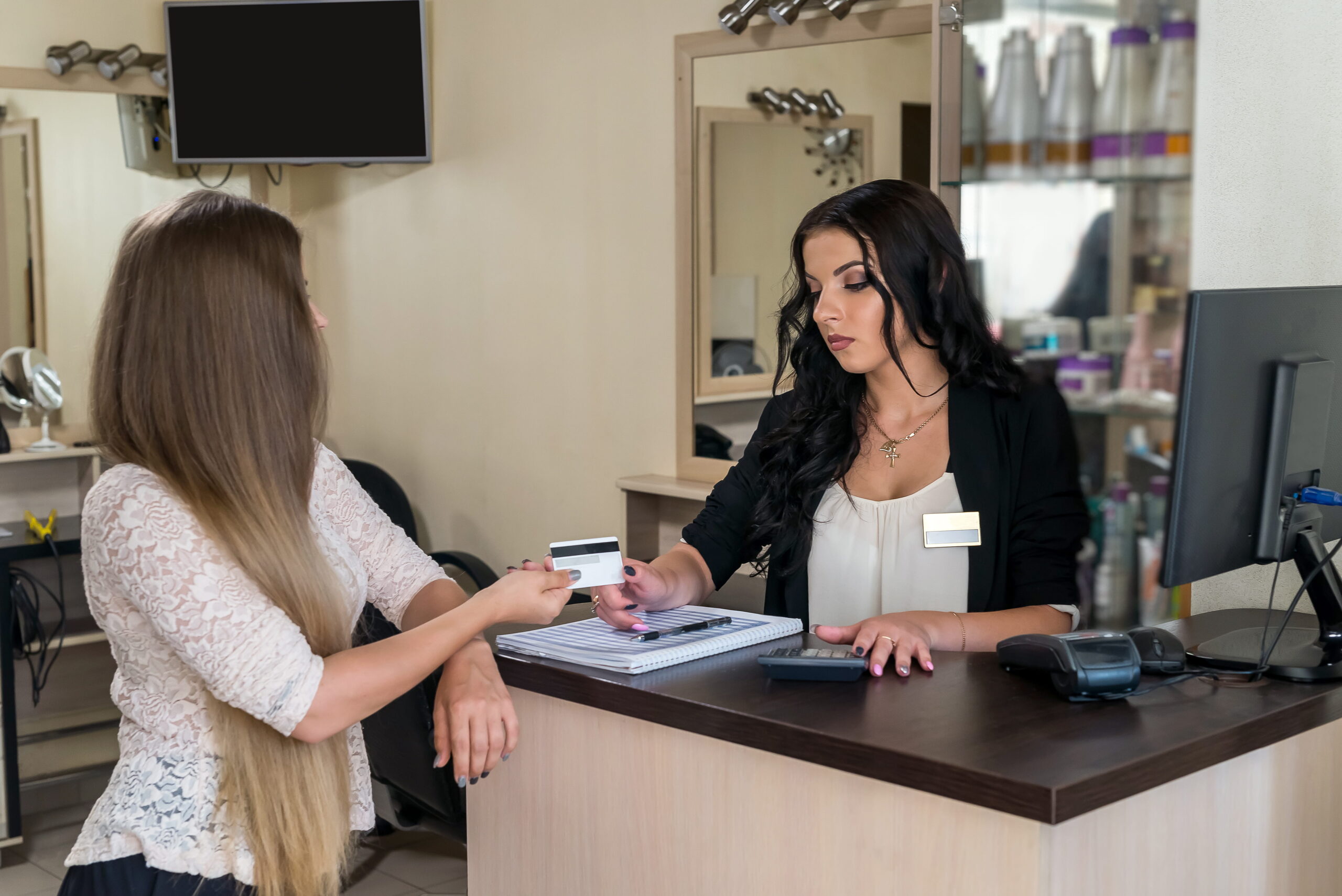
When a client adds a tip on a card, the processing fee generally applies to the full amount charged, tip included. Owners should know how that works before it shows up on a statement, and a good salon payment system makes the per-transaction math easy to see.
Contactless payments and mobile wallets are now expected at the counter, and they speed up a line. Card on file helps with regular clients and with deposits for longer appointments.
Ask any provider for a plain written breakdown of per-transaction rates and any monthly fees. A low headline rate means little until you see what else sits on the statement.
What Hardware Fits a Small Nail Salon Counter?
Front desks in nail salons are often narrow, so a compact stand or register saves space. A handheld or portable payment device lets a tech check out a client at the chair or the drying station without a trip to the front. Square offers a Handheld, a Terminal, a Register, a Stand, and a Reader, and the right mix depends on your layout.
Receipt and label printing can stay optional if clients prefer email receipts. Wi-Fi coverage deserves a quick signal check before go-live, since thick walls and shared building networks cause more day-one trouble than any software setting.
Setting It Up So It Works on the First Saturday
- Build the service menu first, with every service and add-on listed at the correct price and duration.
- Set staff roles and decide how tips are split before the first shift.
- Walk every technician through checkout. Twenty minutes prevents most day-one mistakes.
- Run a test day. Ring a few mock tickets that include a tip, an add-on, and a retail item.
Questions to Ask Before You Choose Nail Salon Software
- Does booking connect to checkout, or do I enter each ticket twice?
- How are tips tracked and paid out by technician?
- What is the full cost per transaction, including tips and any monthly fees?
- Who helps me set up the service menu and train my team?
- Who do I call when a terminal freezes on a busy Saturday?
How DCRS Approaches Salon Setup
DCRS helps salon owners choose the right counter hardware and configures Square before staff touch it. That includes the service menu, staff roles, and a short practical training session for owners and technicians.
Support is local, from a real person who already knows your setup. DCRS has supported business technology since 1976, and the standard for getting a system right the first time carries over from kitchens to nail bars.
Saturday Afternoon Is the Real Test
The right nail salon POS system keeps a full Saturday running, with booking, add-ons, tips, and retail all landing in one checkout. A patchwork of separate tools adds minutes to every ticket and hours to payroll reconciliation each week.
Nail Salon POS System FAQs
What is the best POS for a nail salon?
The best POS for a nail salon ties booking to checkout, handles add-ons and tips by technician, and fits a small counter. The specific platform matters less than how well it is set up for your services and your team.
How are tips handled in a nail salon POS?
Tips are entered at checkout and recorded against the technician who did the service. Ask how your system reports them daily so payout matches what each tech earned.
Can walk-ins and appointments run in the same system?
Yes. Look for a calendar and waitlist that show who is free and who is next, so the front desk manages both from one screen.
Do I need new hardware to switch?
Sometimes existing tablets and readers can be reused. A short assessment of your counter and your Wi-Fi usually answers this faster than guessing.
Talk with DCRS about Square setup for your nail salon, and get your counter, service menu, and team ready before your next busy Saturday.
Sign Up for our Newsletter