
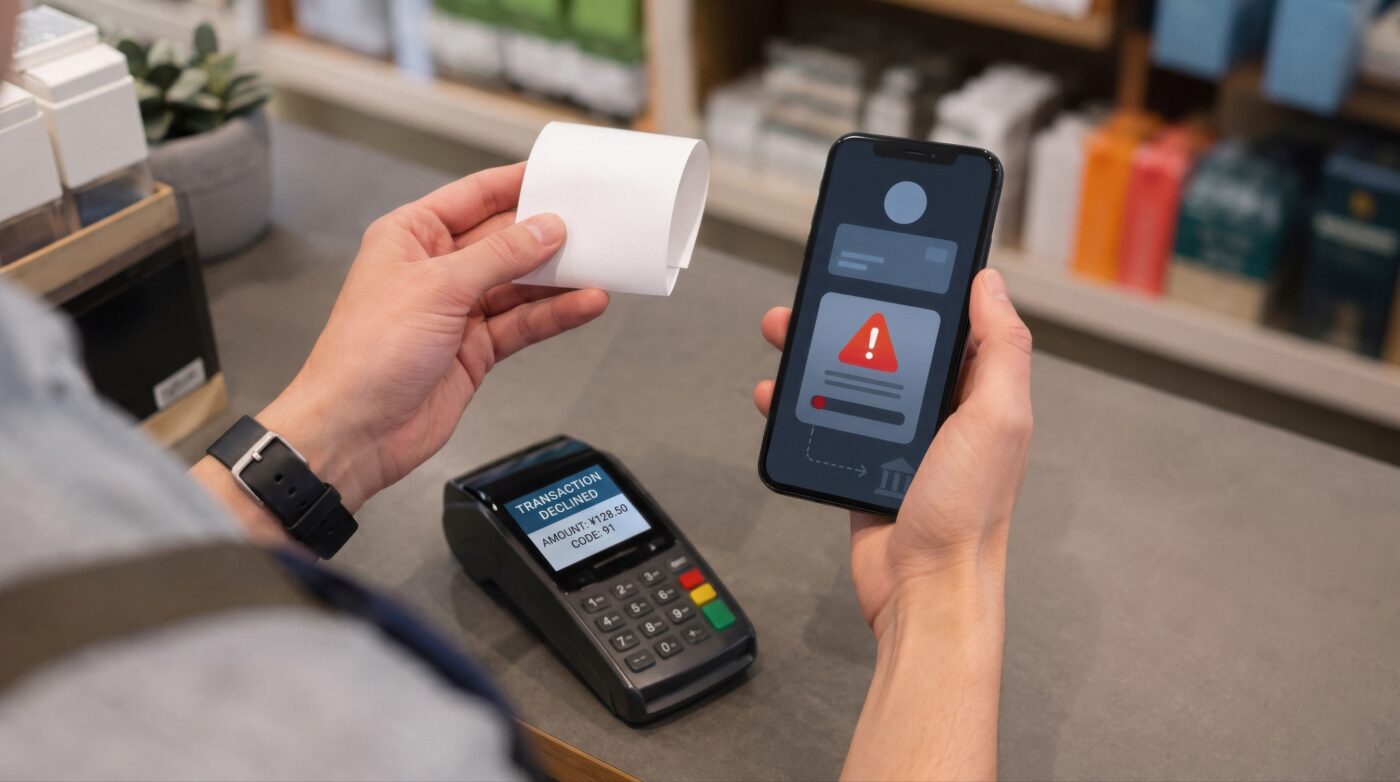
When Your POS Stops Working, You Don’t Have Time to Guess
It’s 7:40 on a Friday night. The dining room is full, the kitchen is stacked with tickets, and a terminal just froze mid-order. This is the moment MICROS POS troubleshooting stops being a “when I get a chance” task and becomes the only thing that matters.
Most Oracle MICROS Simphony issues fall into a handful of familiar categories: terminal freezes, printer or kitchen display systems that stop receiving tickets, login and network errors, and sync failures between locations. Knowing what to check first can mean the difference between a two-minute fix and a night of manual tickets and frustrated guests.
This guide walks through the issues Simphony operators run into most often, what usually causes them, and what to try before you pick up the phone. And when the self-service steps don’t resolve it, it also covers what a direct, no-subcontractor MICROS support help desk should be doing for you.
Terminal Freezes or Won’t Respond
A frozen terminal is one of the most common reasons a MICROS system goes down mid-shift, and it’s rarely one single cause. Sometimes it’s a network hiccup. Sometimes it’s a terminal that’s overdue for a restart. Sometimes it’s a database connection that dropped without warning.
Try this first:
- Give the terminal 30 to 60 seconds before assuming it’s frozen for good. Simphony terminals can appear locked while processing a delayed transaction or reconnecting after a brief network drop.
- Check whether other terminals at the same location are also affected. If only one terminal is down, the issue is likely local to that device. If all terminals are down, the problem is more likely at the network or server level.
- Restart the individual terminal if it’s still unresponsive after a minute. A clean restart resolves a meaningful share of single-terminal freezes.
- Confirm the terminal’s network connection. A loose cable, a dropped WiFi signal, or a router issue can look exactly like a POS freeze.
When to call for support: If a restart doesn’t clear it, if multiple terminals are frozen at once, or if the same terminal keeps freezing on a repeating schedule, that pattern points to a deeper issue with the server, the network, or the Simphony configuration, and it’s worth getting a MICROS support help desk involved before it happens again during your next rush.
Printer and Kitchen Display System (KDS) Disconnects
When tickets stop printing or the kitchen display goes quiet, orders stop moving and the kitchen loses visibility into what’s coming next. This is one of the more disruptive issues because it affects the whole line, not just one register.
Try this first:
- Check the physical connection. Printers and KDS units that connect over Ethernet or WiFi are vulnerable to the same loose cables and dropped signals that affect terminals.
- Power cycle the printer or KDS screen. Like most connected hardware, a full power-off and restart clears a large share of connectivity issues.
- Confirm the device still has power and hasn’t been accidentally unplugged or moved during cleaning or a shift change. This sounds obvious, but it’s one of the most common root causes on a busy night.
- Check whether the print routing or order-routing rules were recently changed. A configuration change to menu items, revenue centers, or kitchen prep stations can unintentionally reroute tickets away from a printer or display that used to receive them.
When to call for support: If the device has power, a solid connection, and still isn’t receiving tickets, the issue is likely in the Simphony configuration or the print/order routing setup rather than the hardware itself. That’s a configuration-level fix, and it’s faster to get an experienced MICROS support help desk on it than to keep troubleshooting blind during service.

Login and Network Errors
Login failures and network errors are where most of what people search for as oracle simphony error codes actually shows up. These errors generally fall into a few categories: credential issues, network connectivity problems between the terminal and the Simphony server, or licensing and configuration errors tied to how the system was set up.
Try this first:
- Confirm the username and password are correct and that the employee’s access hasn’t expired or been locked after repeated failed attempts.
- Check basic network connectivity at the location. If the internet or local network is down, terminals may be unable to reach the Simphony server, even in a cloud deployment with offline capability.
- Note the exact error message or code, if one appears. Simphony surfaces different errors for authentication failures, connectivity timeouts, and server unavailability, and the exact wording helps a support technician diagnose the issue faster instead of starting from scratch.
- Restart the terminal or app if the error appears isolated to one device rather than the whole location.
When to call for support: Network and licensing errors are often symptoms of something happening upstream, at the router, the internet connection, or the Simphony server itself, rather than something a restart at the terminal level can fix. If you’re seeing a specific error code and it isn’t resolved with a basic restart or network check, that’s the point to bring in support rather than losing more service time to trial and error.
Sync Failures Between Locations
For multi-location operators, one of the more frustrating issues is when menu updates, pricing changes, or reporting data stop syncing between a single location and the central Simphony environment. This shows up as outdated menus at one site, reporting gaps, or promotions that rolled out everywhere except one location.
Try this first:
- Confirm the affected location has a stable internet connection. Sync failures are most often connectivity issues rather than software problems.
- Check whether the sync issue is affecting one location or several. A single-location problem usually points to that site’s local network or terminal setup. A multi-location pattern points to something happening at the central server or configuration level.
- Look at the timing. If the sync failure started right after a menu update, price change, or software update was pushed, that timing is a useful clue for whoever is diagnosing it.
When to call for support: Sync issues are difficult to fully resolve from the location level because the fix usually involves the central configuration or server-side logs. This is a case where getting your MICROS support help desk the timing, the affected locations, and what changed recently will get you to a fix much faster than continuing to troubleshoot store by store.
When MICROS System Down Means It’s Time to Call
Some issues really are a quick restart away from being fixed. Others aren’t, and the difference between the two isn’t always obvious in the middle of a rush. As a general guide, it’s time to stop troubleshooting and call for support when:
- The issue affects more than one terminal, printer, or location at the same time
- A restart or power cycle doesn’t resolve it
- The same problem keeps recurring, even if each instance is short
- You’re seeing an error code you don’t recognize
- Service has already been disrupted and every additional minute is costing you orders
This is exactly where a direct MICROS support help desk earns its keep. DCRS has provided Oracle MICROS support for over 30 years, with Oracle-certified technicians who work with you directly. No subcontractors, no being routed through a call center that has to escalate your case to someone else before anyone actually looks at your system. When your POS is down, you want to talk to someone who already knows how Simphony environments are built and can start diagnosing immediately.
Smart Questions to Ask Your MICROS Support Partner
Whether you’re troubleshooting a one-off issue or evaluating your current support setup, these questions are worth asking:
- Is support available 24/7, or only during business hours?
- Are you working with the same technicians each time, or does support get outsourced to a subcontractor?
- How quickly can someone respond when a terminal, printer, or the whole system goes down?
- Does your support partner understand your specific Simphony configuration, or are they troubleshooting blind every time?
- Is there a clear escalation path if a first-line fix doesn’t resolve the issue?
The answers to these questions matter more when your POS is down than at any other time, which is exactly why NIST’s Contingency Planning Guide for Federal Information Systems recommends confirming your response plan before you’re in the middle of an outage, not during one.
Frequently Asked Questions
Why does my MICROS terminal keep freezing? Repeated terminal freezes are usually tied to network instability, an aging terminal, or a database connection issue rather than a one-time glitch. If a single restart clears it but the problem keeps coming back, it’s worth having a technician look at the underlying cause instead of restarting it every shift.
What should I do first when my whole MICROS system goes down? Check whether the outage is affecting one terminal or the entire location, confirm your internet and network connection are working, and note any error messages you see. If the issue affects multiple terminals or doesn’t clear with a restart, that’s the point to call your MICROS support help desk.
Are Oracle Simphony error codes something I can troubleshoot myself? Some can be. Login and connectivity errors often resolve with a password check or network fix. Errors tied to licensing, configuration, or server communication usually need a technician who can see the backend, so it helps to write down the exact error before you call.
How is DCRS’s MICROS support different from other help desks? DCRS provides direct support with Oracle-certified technicians, without routing your issue through a subcontractor. That means faster diagnosis and a team that already understands Simphony environments, rather than starting from zero on every call.
Keep Service Moving When Your POS Doesn’t Cooperate
Most MICROS POS troubleshooting comes down to isolating whether the issue is local to one device or bigger than that, and knowing when to stop guessing and get a technician involved. The steps above will resolve a good share of what comes up on a normal shift. For everything else, having a support partner who already knows your system is what keeps a bad moment from turning into a bad night.
Many of these issues can be reduced significantly with regular preventive maintenance, so troubleshooting isn’t the only line of defense.
If your Simphony system is down right now, or you want a support plan in place before the next outage catches you mid-rush, request MICROS support from DCRS and talk to a technician who can start working on the problem immediately.
Sign Up for our Newsletter